a✦ Awais GfxFree image & photo tools
10 KB · SIGNATURES & SMALL PHOTOS

Resize Image
to 10 KB.

Some forms only accept signatures and thumbnail photos of 10 KB or less. Upload your image and this tool makes the clearest possible JPEG under 10 KB, right in your browser.

100% FreeNo Sign-upNo WatermarkExact KB TargetImages Stay on Your Device

Upload & choose size

Exact pixel size (optional)

Leave empty to keep the original proportions. Setting both crops from the centre — it never stretches.

Choose an image to begin.

Preview & download

Your resized image appears here
  • Finds the highest quality under your limit
  • Shrinks dimensions only when it must
  • Nothing is uploaded — works offline after loading

How to resize an image or signature to 10 KB

  1. Upload your signature scan or photo (JPG, PNG or WebP).
  2. The target is preset to 10 KB. Keep it if your form says “10 KB maximum”.
  3. Enter small dimensions if the form lists them, for example 140 × 60 px for a signature or 100 × 120 px for a photo.
  4. Click “Resize to target” and download the JPG. The final size is shown under the preview.

Why do forms limit file size in KB?

Government portals, exam boards, job sites and visa systems process thousands of uploads every day, so they cap each file at a fixed size such as 20 KB, 50 KB or 100 KB. A modern phone photo is often 2–5 MB — up to 250 times too big. Simply changing the width and height does not guarantee the file size, which is why uploads keep failing.

Common KB limits and suggested pixel sizes

Upload typeTypical limit · suggested size
Signature10–20 KB · 140 × 60 px
Exam / recruitment photo20–50 KB · 200 × 230 px
Job portal profile photo50–100 KB · 400 × 500 px
Visa or ID photoup to 240 KB · 600 × 600 px
Scanned document100–200 KB · 1200–1600 px wide

Always follow the exact numbers printed on your form; these are common examples.

This tool measures the real file size after compression. It first lowers JPEG quality step by step and only reduces the pixel dimensions if the target still cannot be reached, so you keep the clearest possible image.

Other quick sizes: 20 KB · 30 KB · 50 KB · 100 KB · 200 KB · any size in KB. Need a passport-style photo first? Try the passport photo maker or the DS-160 visa photo maker.

Built and maintained by Awais Gfx, a design & video studio — see our social media design and video ad services. Last reviewed November 2026.
Frequently asked questions

How do I reduce a signature to 10 KB?

Sign on plain white paper with a dark pen, take a sharp photo, upload it here and set 140 × 60 px if your form asks for it. Signatures compress very well and usually end up between 3 and 8 KB.

Can a photo really be under 10 KB?

Yes, at small dimensions such as 100 × 120 or 200 × 230 pixels. Large images are automatically scaled down until they fit the 10 KB limit.

Why does my form reject a 10 KB file?

Check the minimum size too. Some forms need between 4 KB and 10 KB — if yours does, the result shown under the preview tells you the exact size.

Is it free and private?

Yes. It is free, there is no sign-up and the image never leaves your device.

THIS FREE TOOL IS MADE BY AWAIS GFX

Need a video ad, logo or social content?

We create commercial video ads, UGC edits, 3D motion graphics and brand design for growing businesses. Clear packages from A$35.

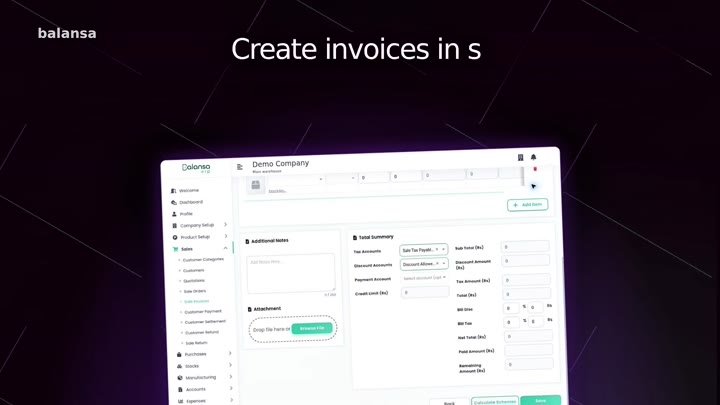
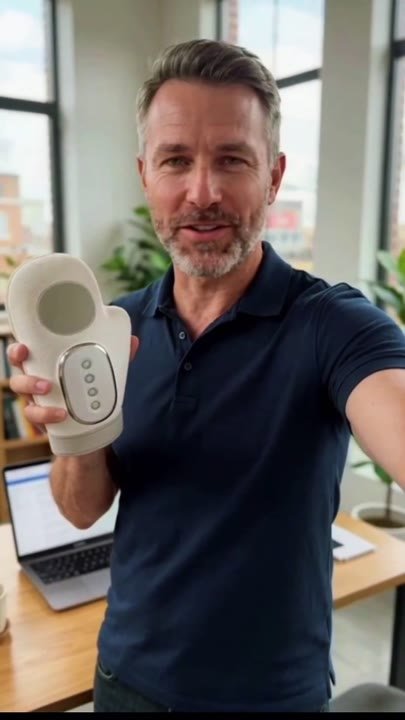
Balansa ERP software commercialProduct UGC video adDigital Inventory commercial
See services & prices →

More free photo tools

All tools run privately in your browser — no sign-up, no watermark.