How to take a UK passport photo at home
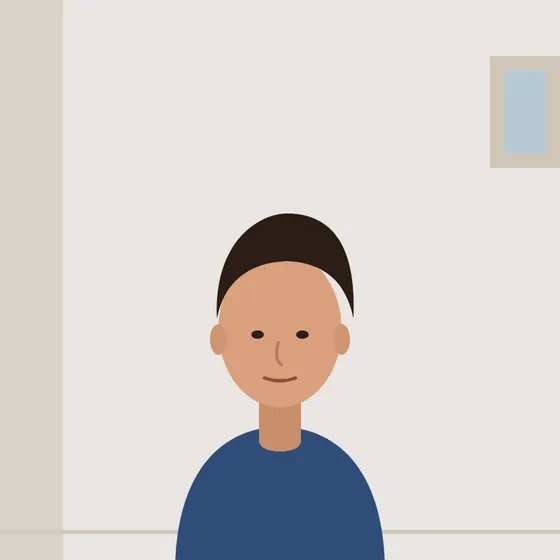 Your photo
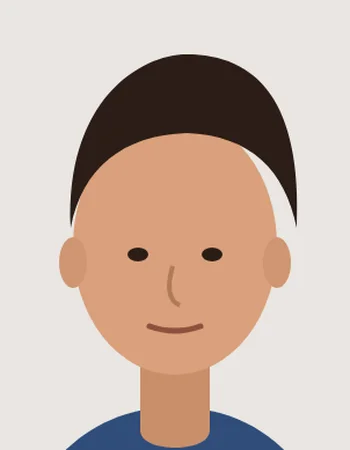 Cropped to 35 × 45 mm
- Stand in front of a plain cream or light-grey wall. Avoid a bright white wall: UK photos are often rejected for a background that is too white or has shadows.
- Have someone photograph you from about 1.5 metres at eye level, with even light, a neutral expression and your mouth closed. Take glasses off and keep hair away from your eyes.
- Upload the photo here with United Kingdom selected, then align your crown and chin with the guides. Use “Mark crown & chin” to check the head is 29–34 mm tall.
- Download the 4 × 6″ sheet and print it on photo paper with cropping and enhancement turned off. Measure a cut photo before you post your paper application.
UK passport photo rules at a glance
| Printed size | 35 mm wide × 45 mm high |
|---|---|
| Head height | 29–34 mm from chin to crown |
| Background | Plain cream or light grey (not bright white) |
| Recency | Taken within the last month |
| Glasses | Remove them unless you cannot for medical reasons |
| Editing | Unaltered photo only — no filters or background replacement |
Applying online? GOV.UK asks for a digital photo of at least 600 × 750 pixels that has not been cropped or edited by software. For an online application, upload your original uncropped photo or use a photo code from a shop. This page is for printed photos for paper applications.
Check the latest GOV.UK passport photo rules ↗ before printing.